Sync in seconds
Sync Zoom and Slack
Sync users and groups between Zoom and Slack, in either direction. SyncMyGroup creates and deletes groups and adds and removes members to match the source.
- Sync a Zoom group to a Slack usergroup or channel
- Sync a Slack usergroup or channel to a Zoom group
- Create and delete groups in the destination to match the source
- Automatically add and remove Zoom group members
- Automatically add and remove Slack usergroup and channel members
- Filter and exclude groups or users you don't want synced
- Add permanent users who stay in, whatever the sync says
- Preview every change before it runs
See a sync in action
A walkthrough of connecting Google Groups and Slack. Every other pair is set up the same way: connect both tools, map the teams, preview, sync.
Seamlessly sync Zoom and Slack in real time
SyncMyGroup automatically creates and deletes groups in your destination account, and adds and removes members of groups to match your source account.
Sync both ways
For example, sync from Slack to Google, or from Google to Slack.
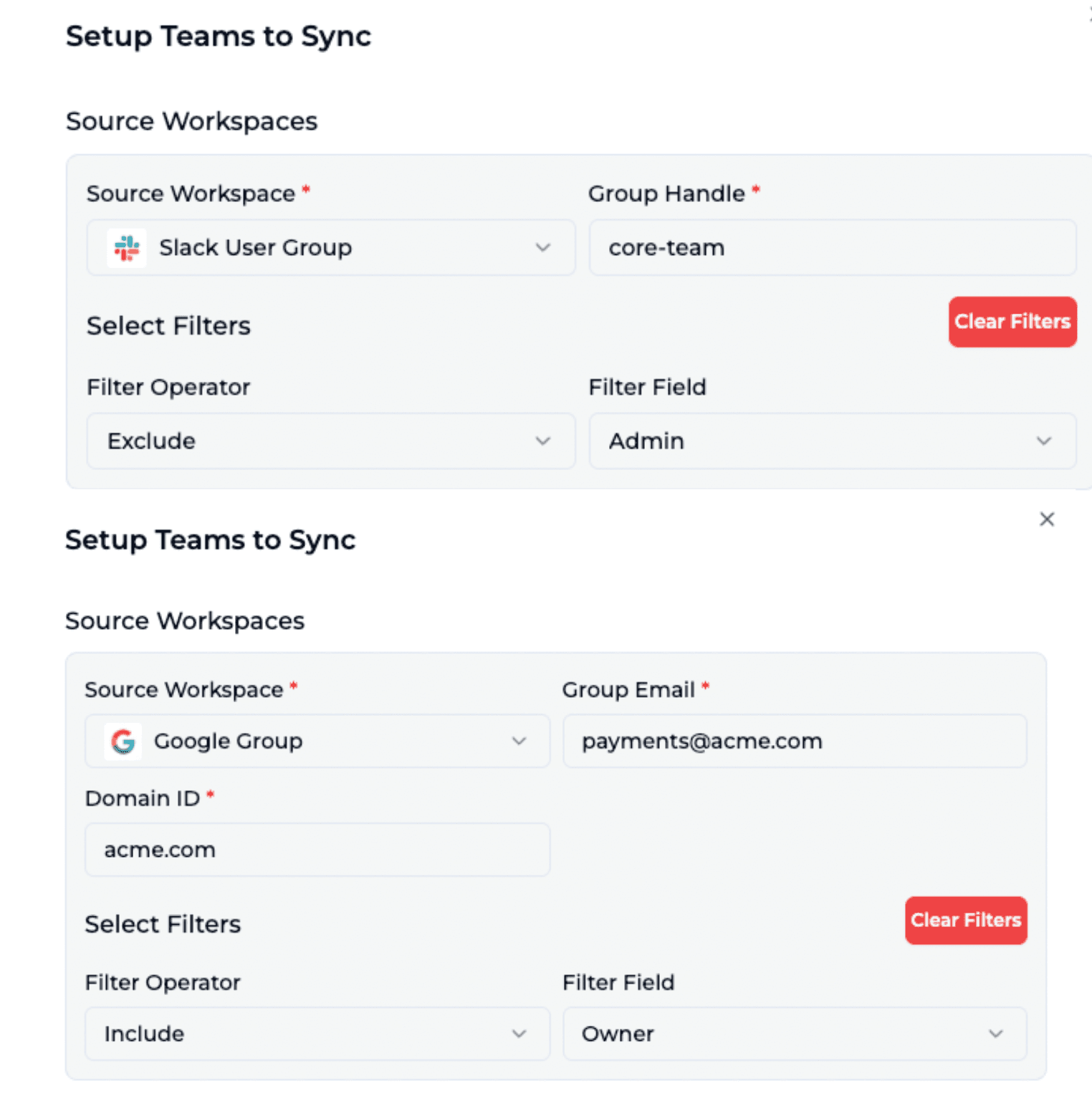
Filter and exclude groups / users
Exclude groups and users that you would not like to sync.
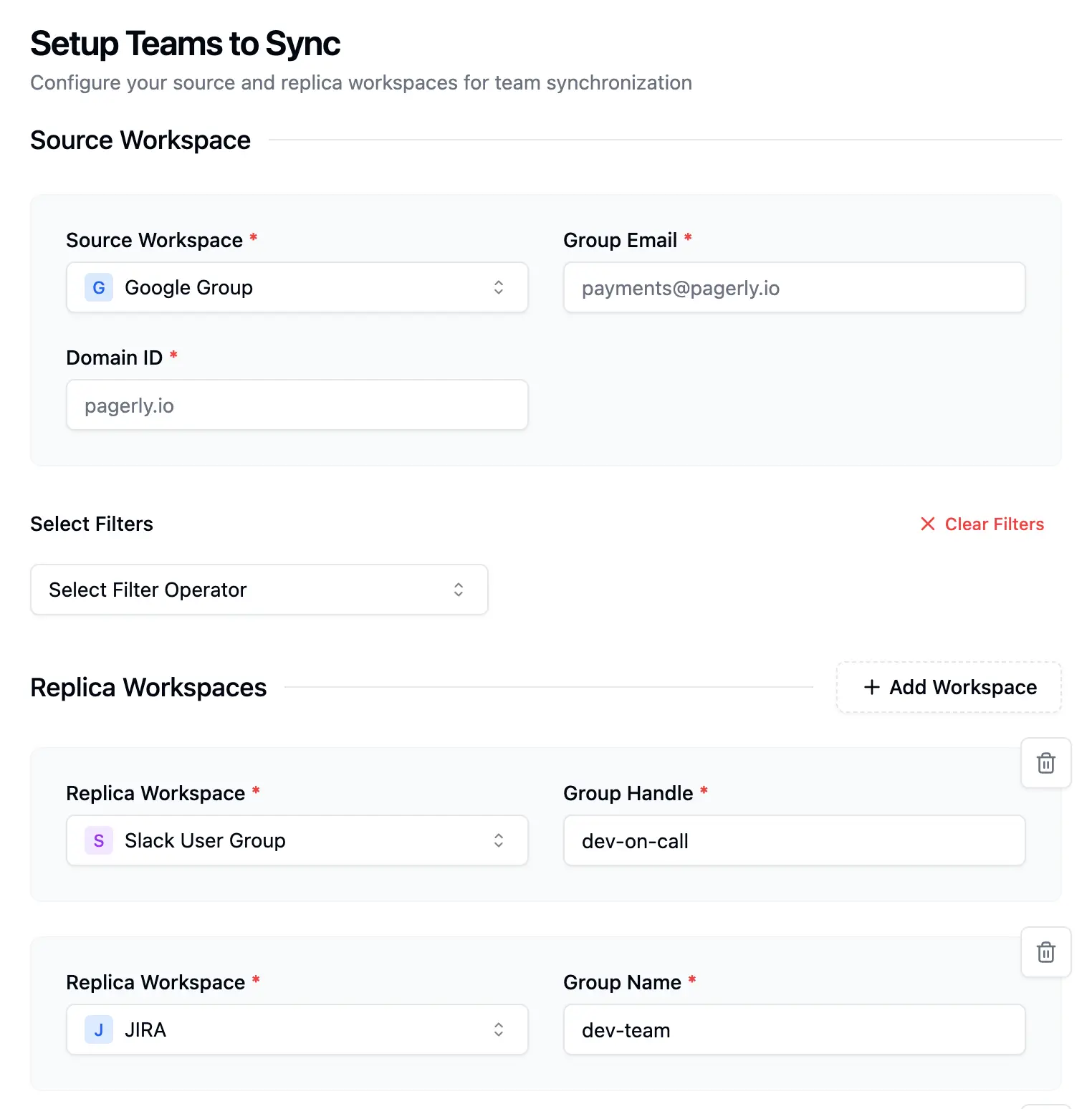
Instant Preview
See a preview of what SyncMyGroup will do before you sync. This lets you fine-tune your configuration to make sure you exclude any sensitive groups before you sync.
Recommended actions
SyncMyGroup automatically diffs your groups and recommends actions.
Preview changes
See what happens to your groups before you sync.
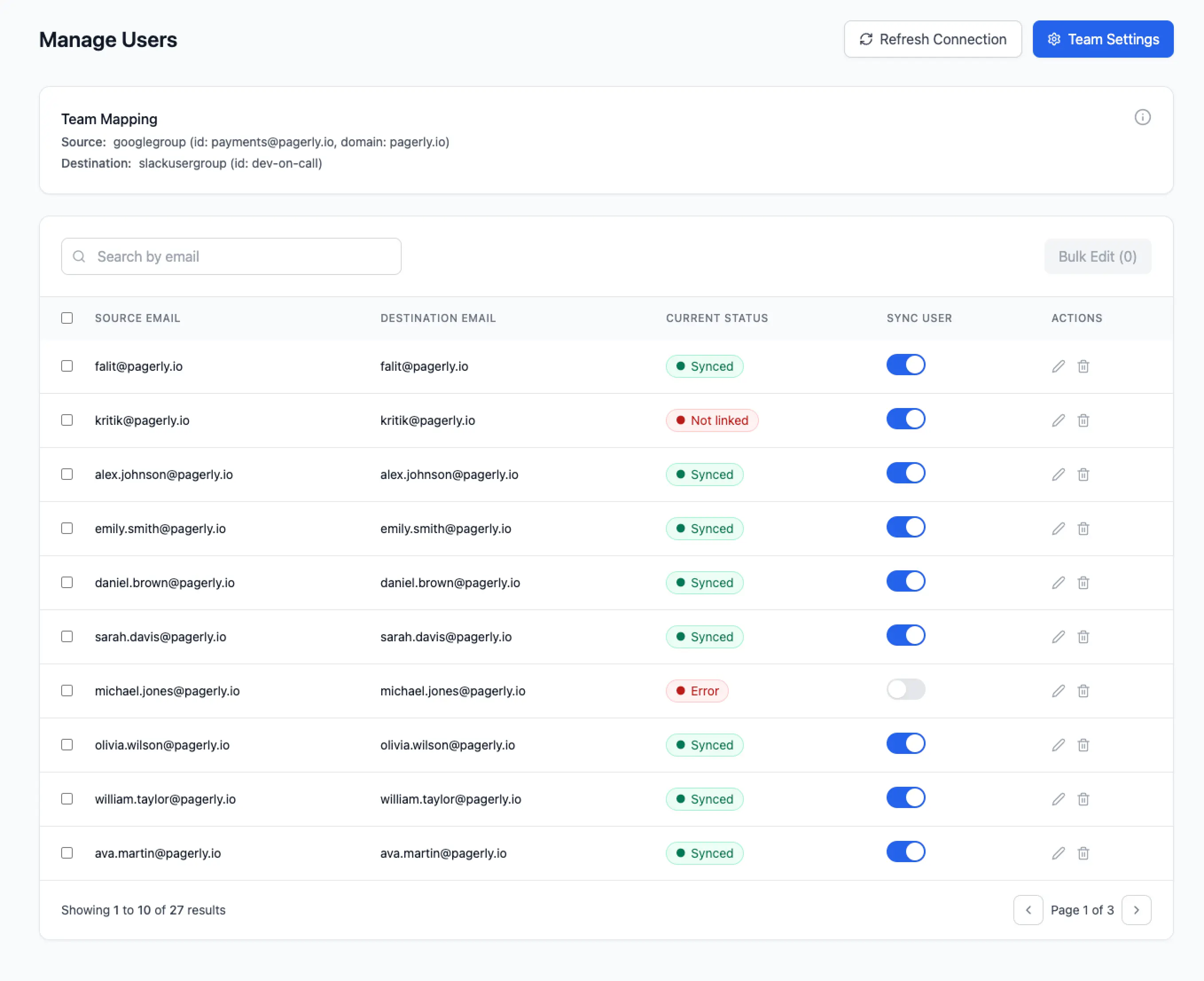
Sync Slack usergroups and channels
Want to keep the same users in a Slack usergroup as in a Google Group, GitHub team or Jira team? Want users added to Slack channels automatically when they join the source group? With SyncMyGroup, you maintain all your channel and usergroup membership automatically, without a miss.
Add permanent users
Add fixed users who stay in the group in spite of the sync.
Filter and exclude users
Exclude users that you would not like to sync.
Need help?
Ask the bot in Slack.
@SyncMyGroups help
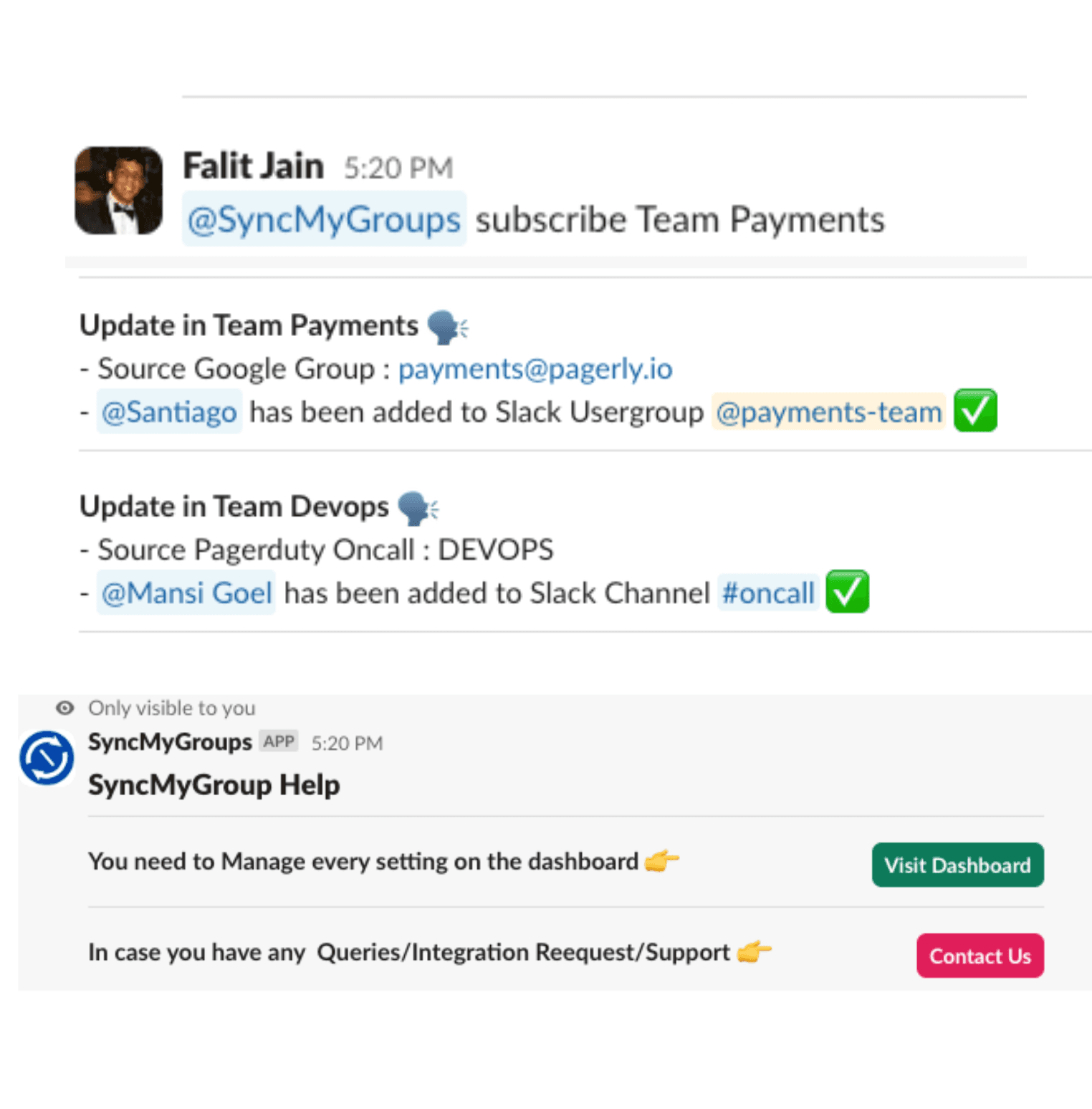
Instant notifications on Slack and Teams
Get real-time notifications and alerts for any sync change in any team, in your favourite channels.
Subscribe to a team
Get alerts for a team in any channel.
@SyncMyGroups subscribe <team>Help in Slack
Ask the bot, or contact us for any assistance.
@SyncMyGroups help
Your data is always safe with us
Group membership decides who can reach what. SyncMyGroup is built and audited to handle it.
99.9%
Uptime SLA
ISO 27001
Certified
AES-256
Encryption
ISO 27001 certified
SyncMyGroup is ISO/IEC 27001:2022 certified — the global gold standard for information security management.
End-to-end encryption
All data in transit and at rest is encrypted using AES-256 and TLS 1.3.
ISO 27001:2022
Independently audited and certified to the latest international security standard.
Access controls & audit logs
Role-based access controls with complete audit trails for all sync operations.
Questions?
Answers.
Nothing, except your email and the OAuth integration.
Start syncing Zoom and Slack today
Free up to 5 users with all integrations. $2 per user per month when you grow, 50% off right now.