Get Started
Choose the destinations of a team
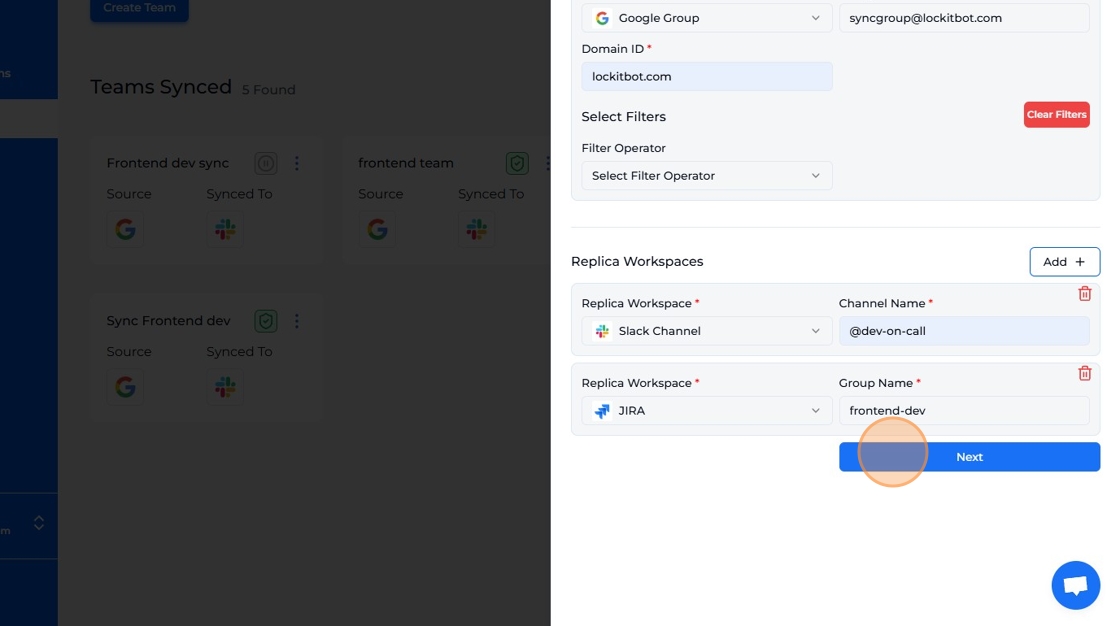
Add one or more replica workspaces that mirror the source.
-
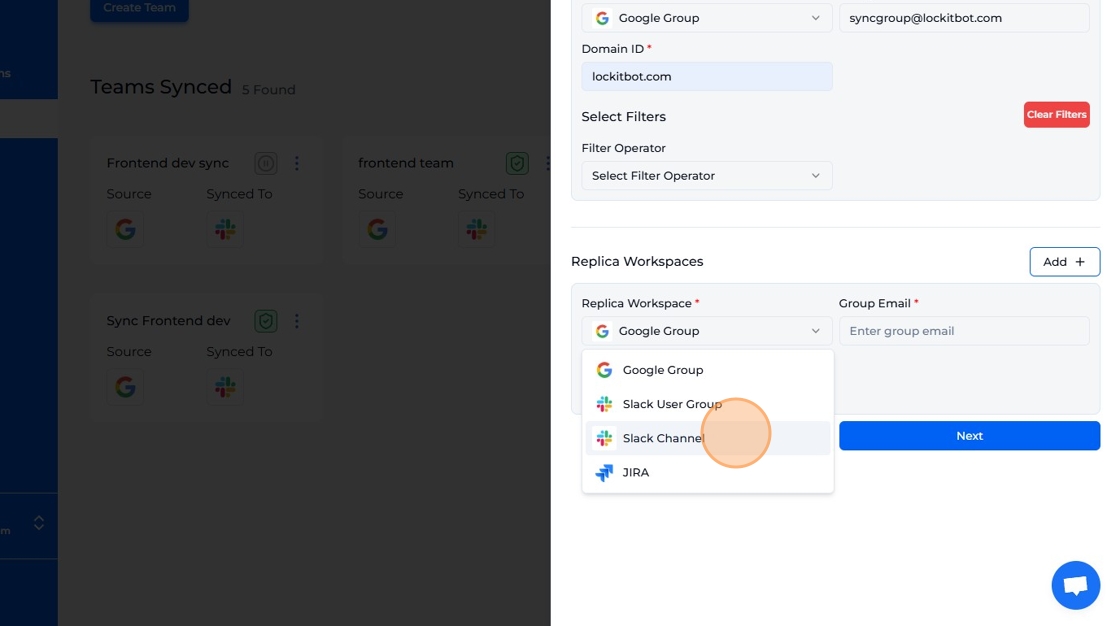
Select an integrated workspace as replica workspace.
-
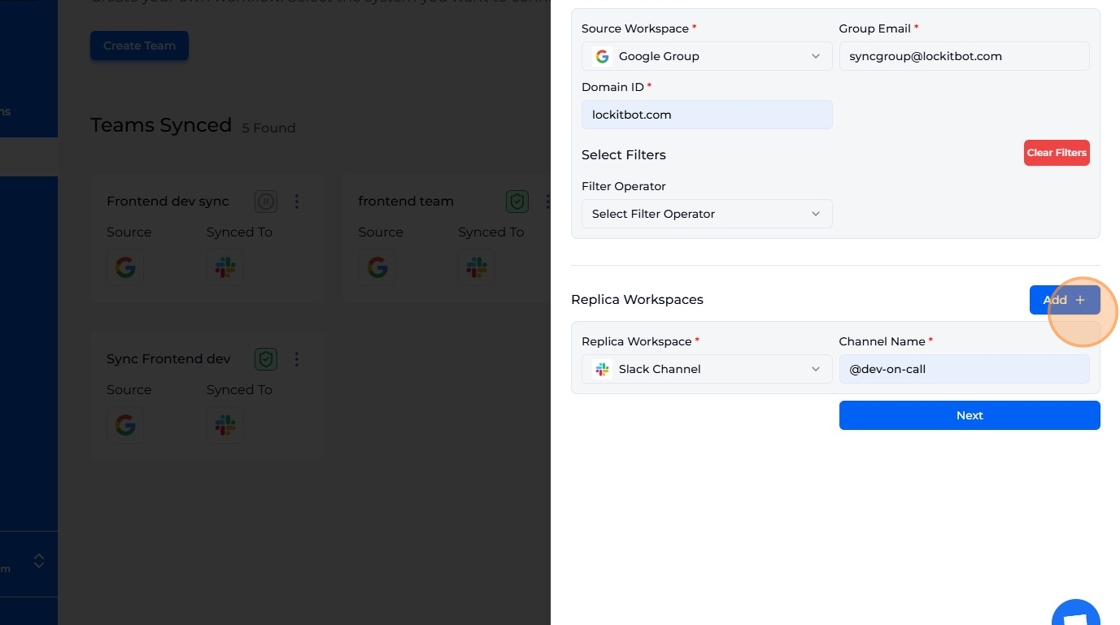
Fill in the form fields. The required information changes depending on the workspace you've selected.
-
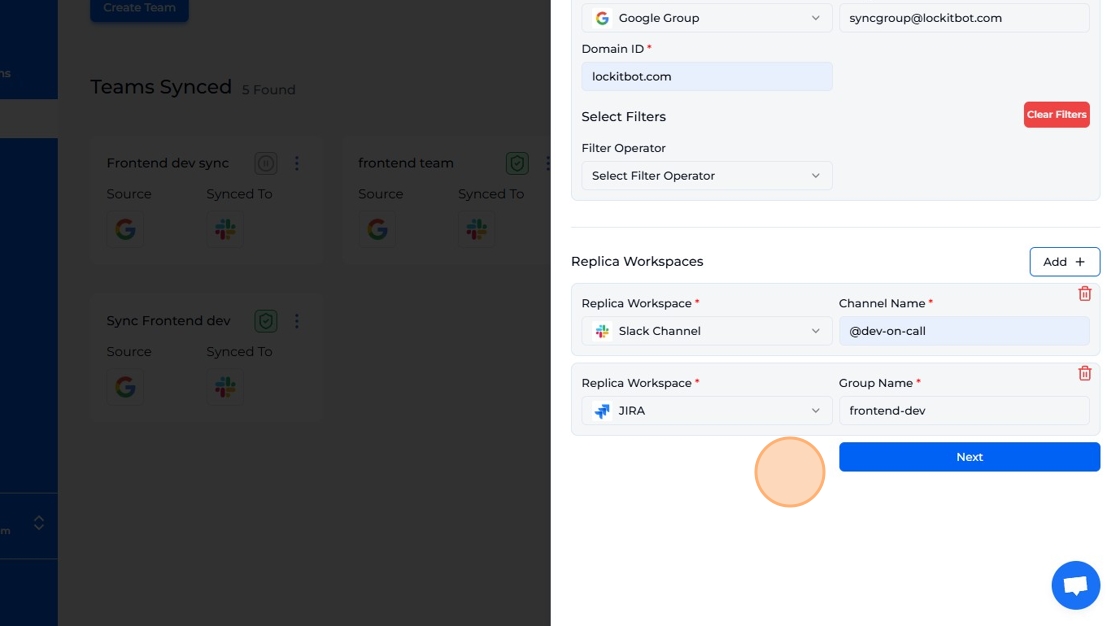
You can add multiple replicas to a source workspace by clicking the 'Add' button.
-
Click "Next" and fill in the next form.
-
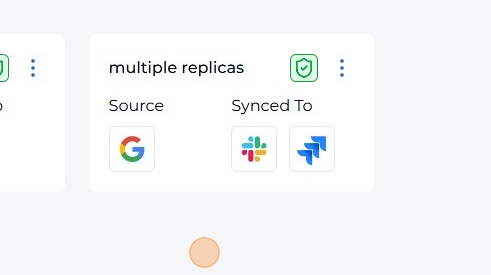
Successfully created a team with multiple replicas.