Get Started
Generate a team report
Email yourself a report of a team's sync activity for a date range.
-
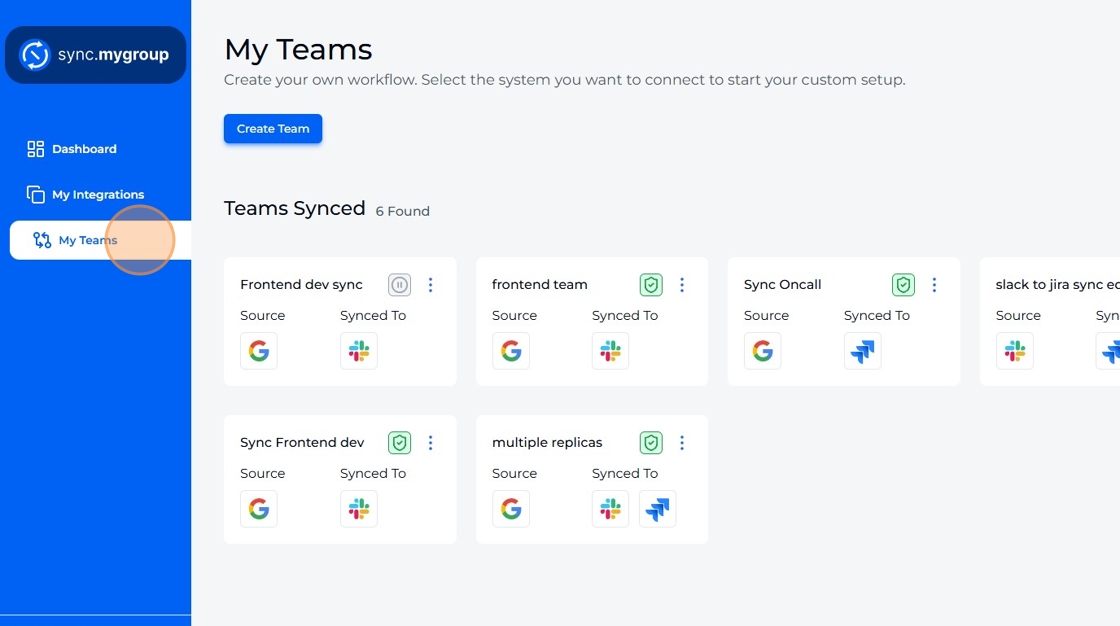
Navigate to "My Teams".
-
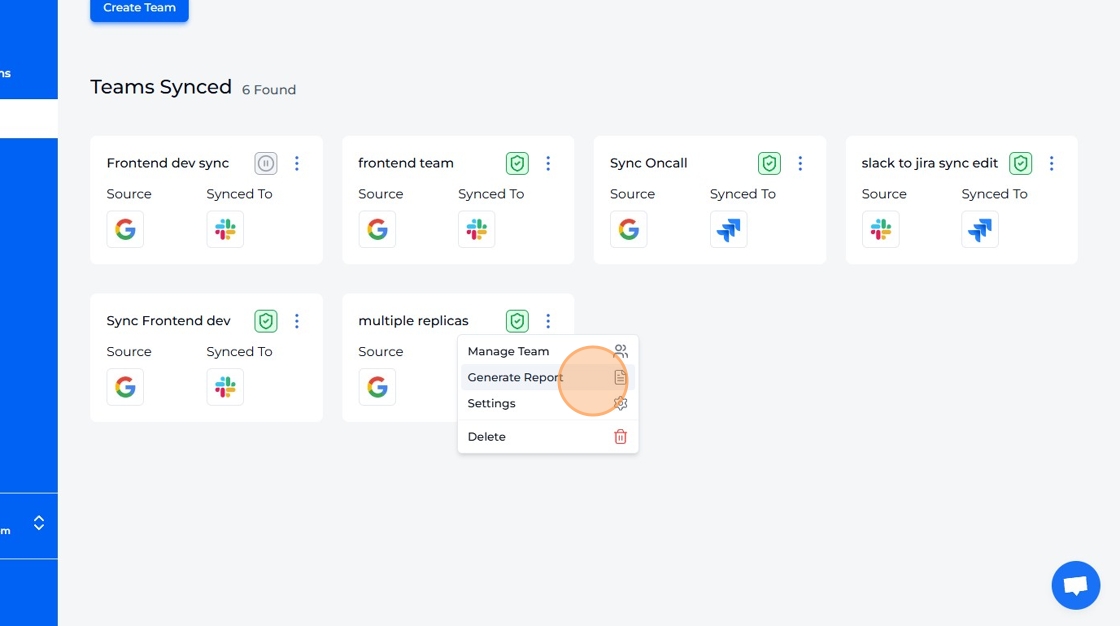
Select "Generate Report" option from dropdown.
-
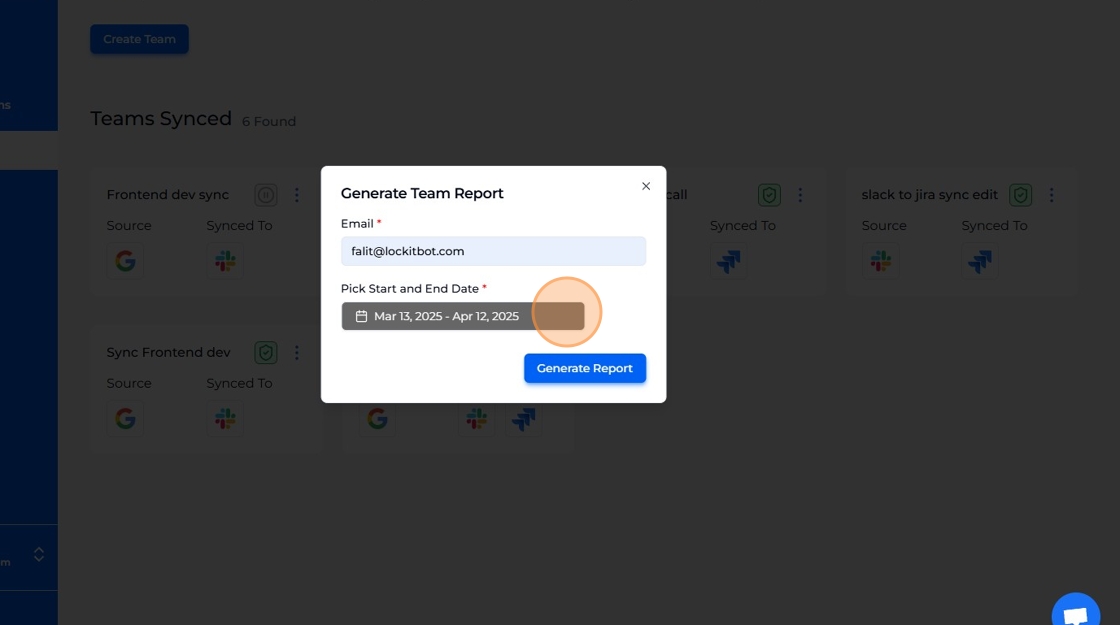
Enter the email address to which the report will be shared.
-
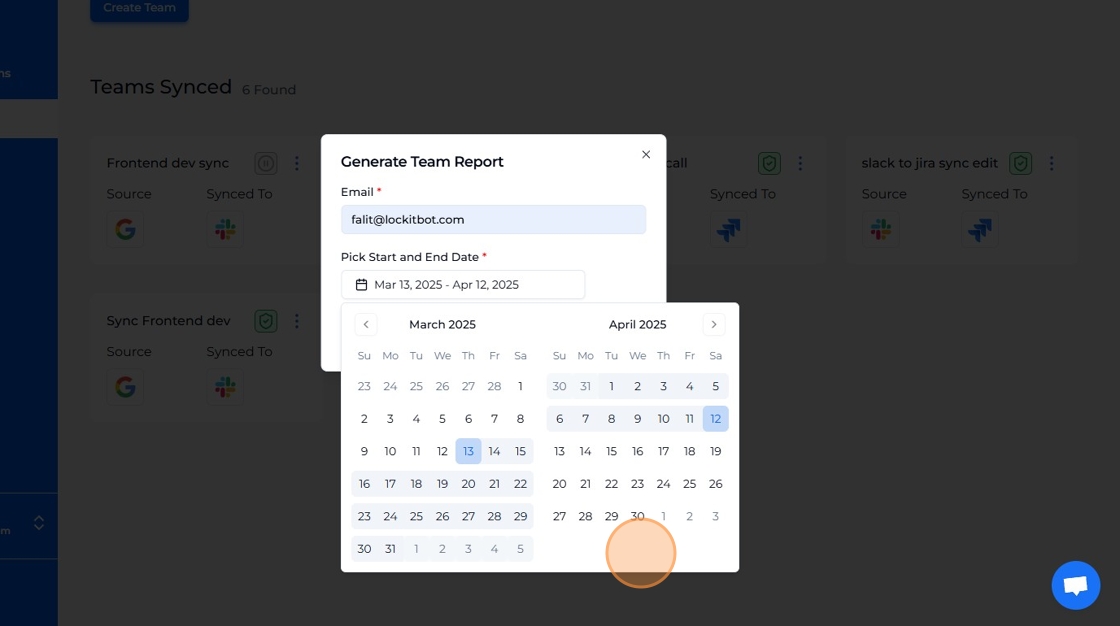
Use the calendar widgets to select the desired report date range.
-
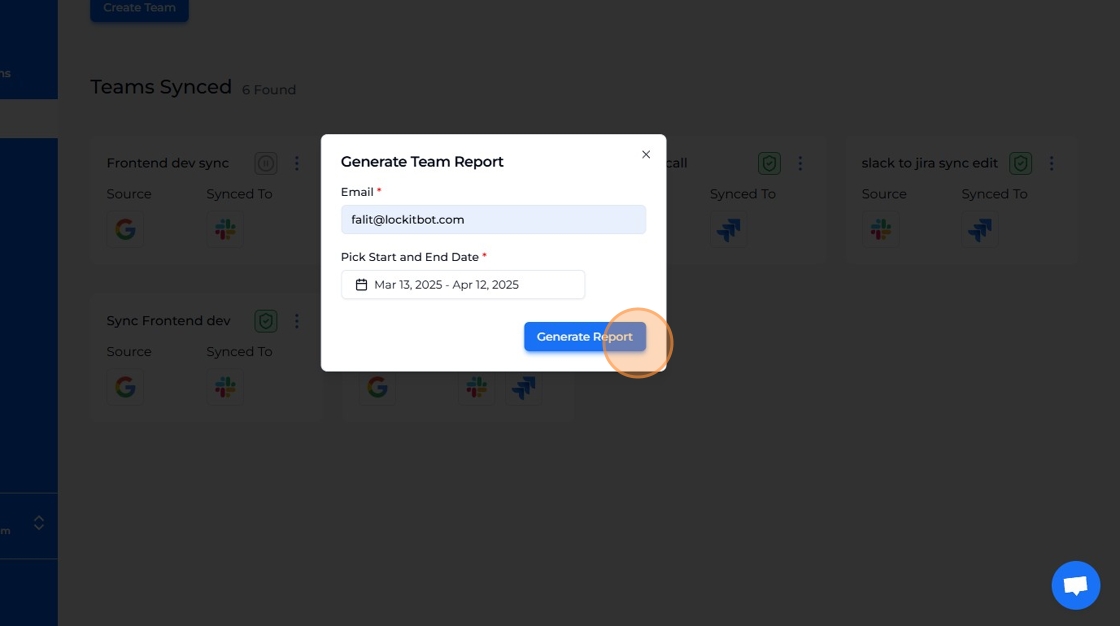
Click "Generate Report".
-
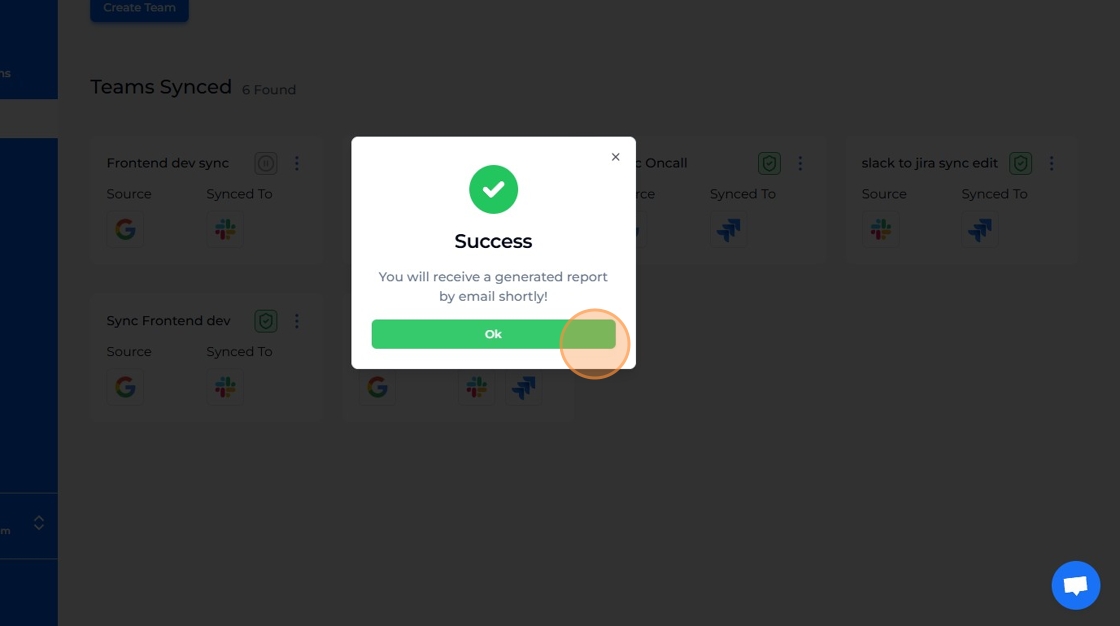
Success! Report will be generated shortly.