Get Started
Create a SyncTeam
Pick a source workspace and one or more replicas to keep in sync.
-
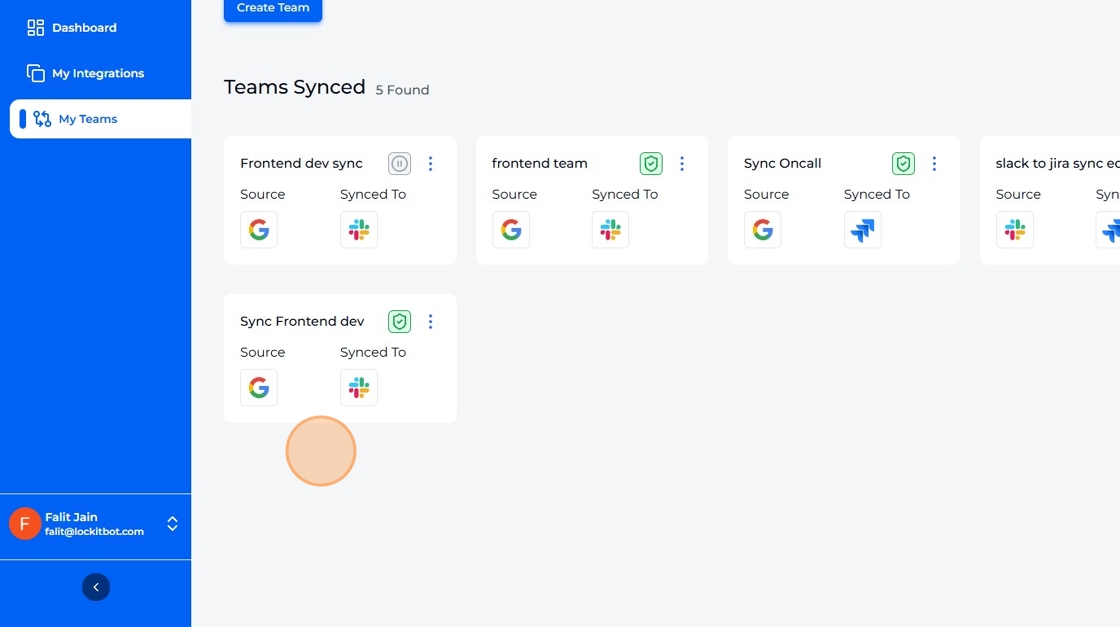
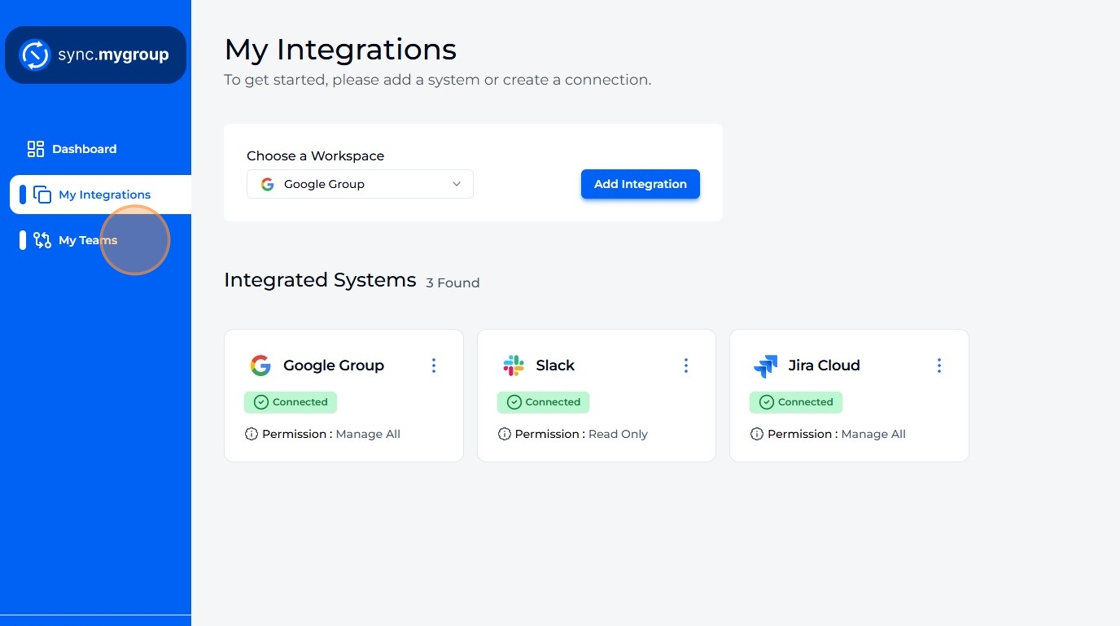
Navigate to "My Teams".
-
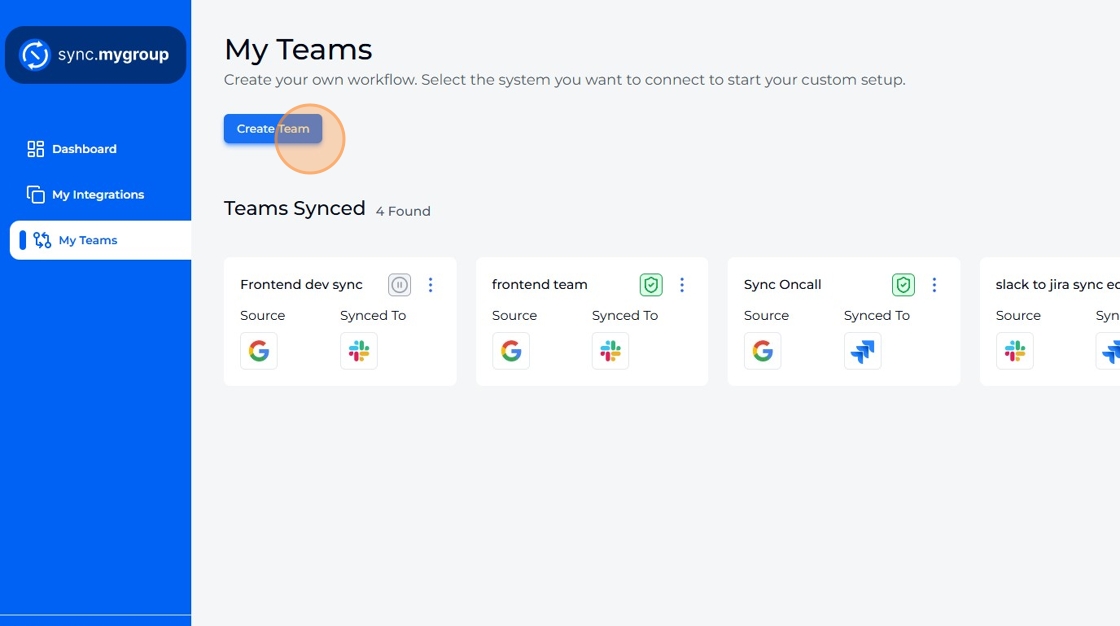
Click "Create Team".
-
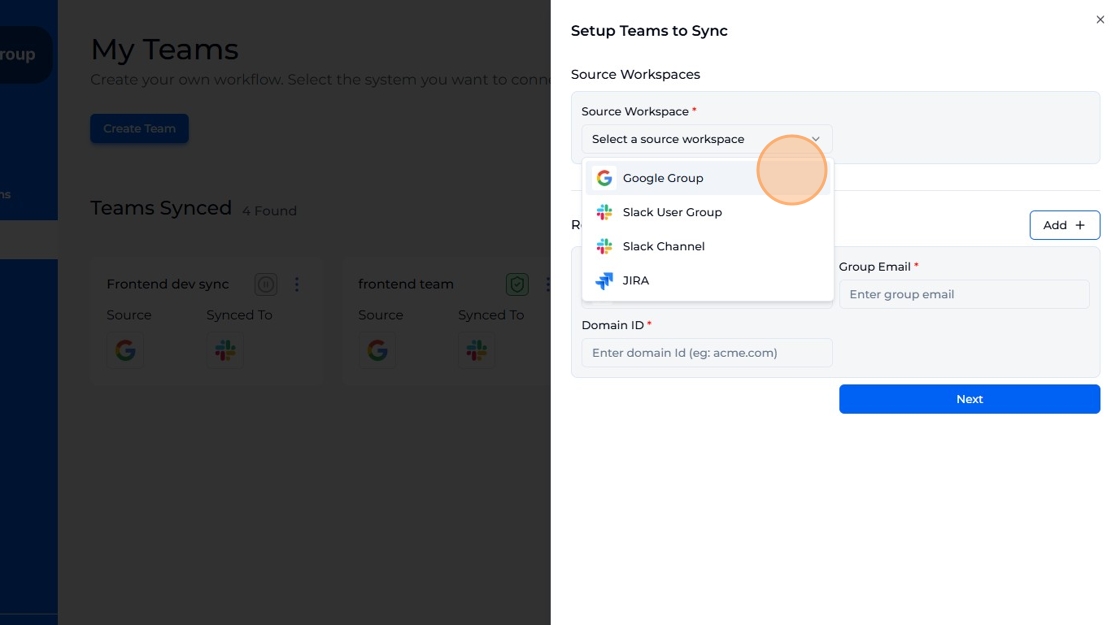
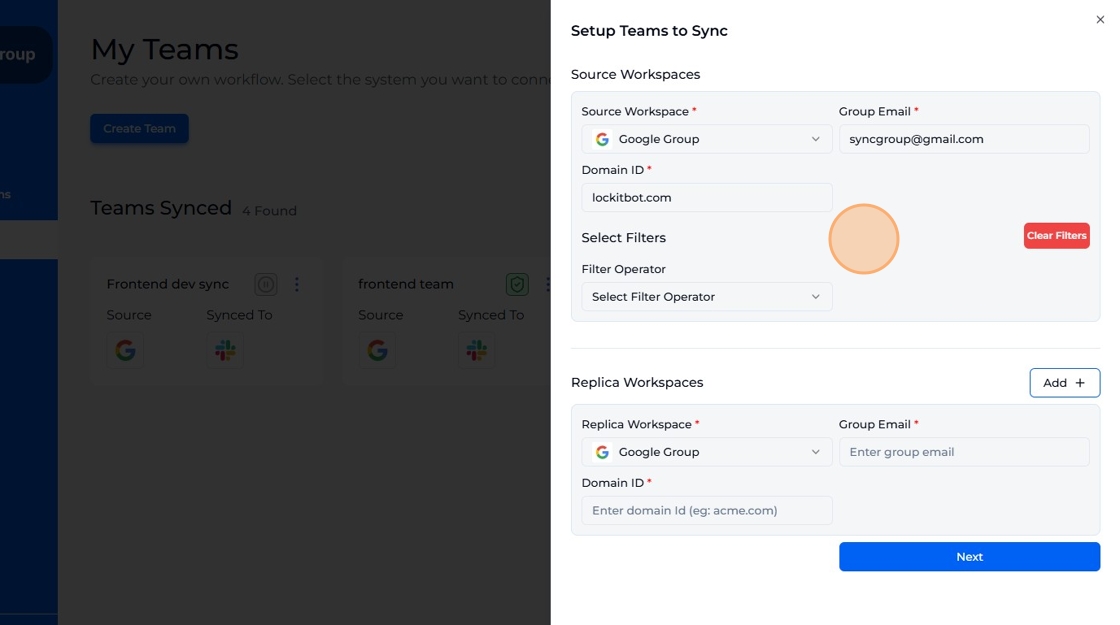
Select any integrated workspace as a source.
-
Fill the respective form fields and select filter if required.
-
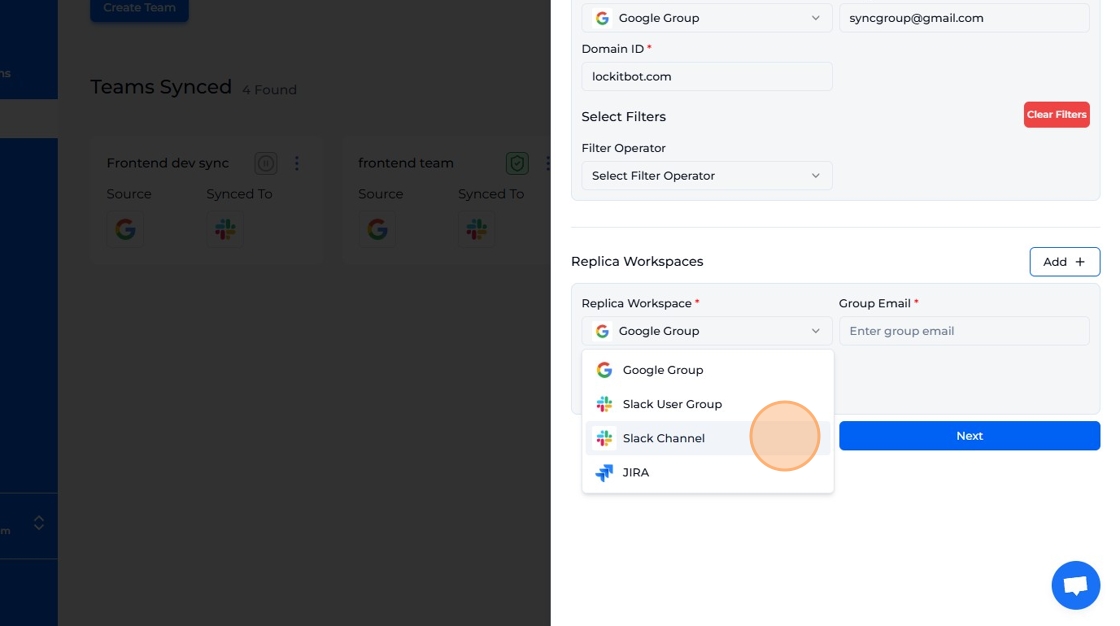
Select any integrated workspace as a replica.
-
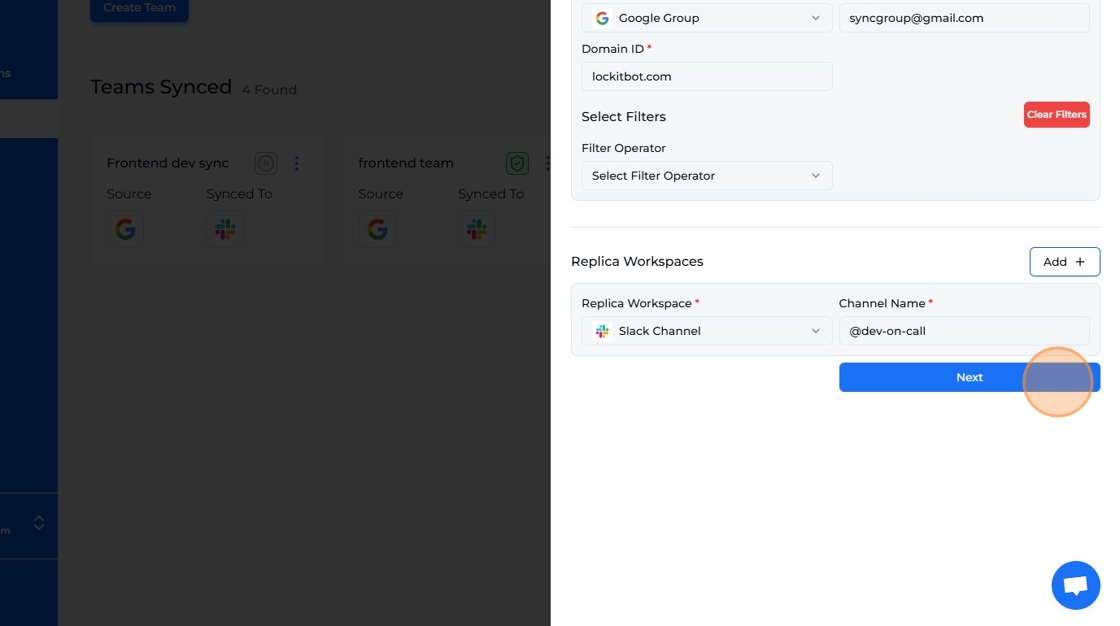
Fill the respective form field and click "Next".
-
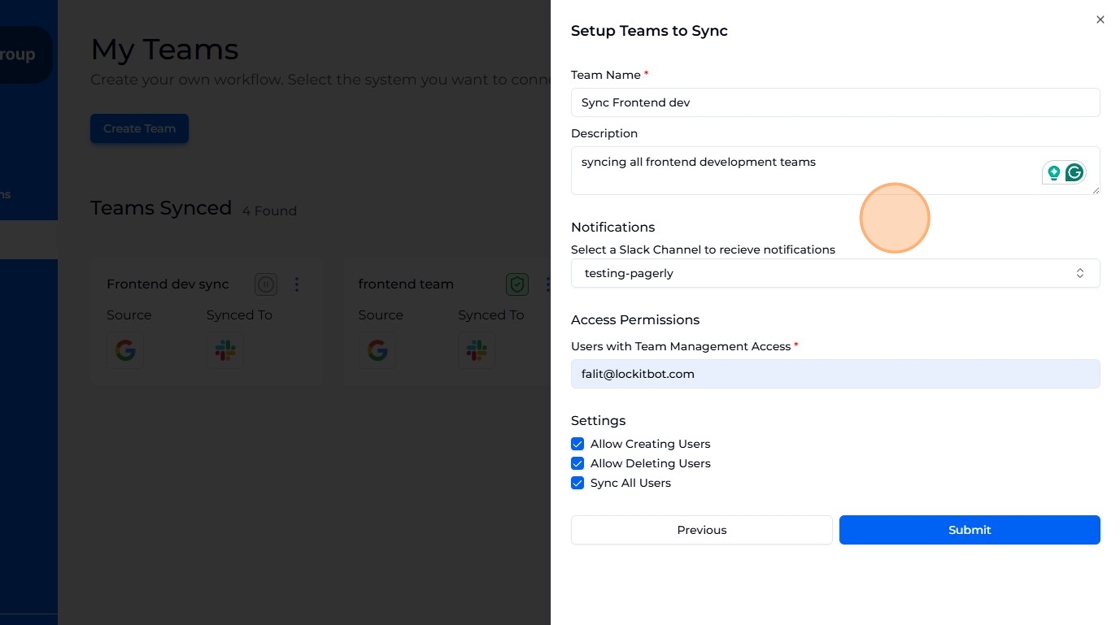
Fill in the form and click "Submit".
-
A new team has been created. In our example, we selected "Google" as the source and "Slack" as a replica workspace.